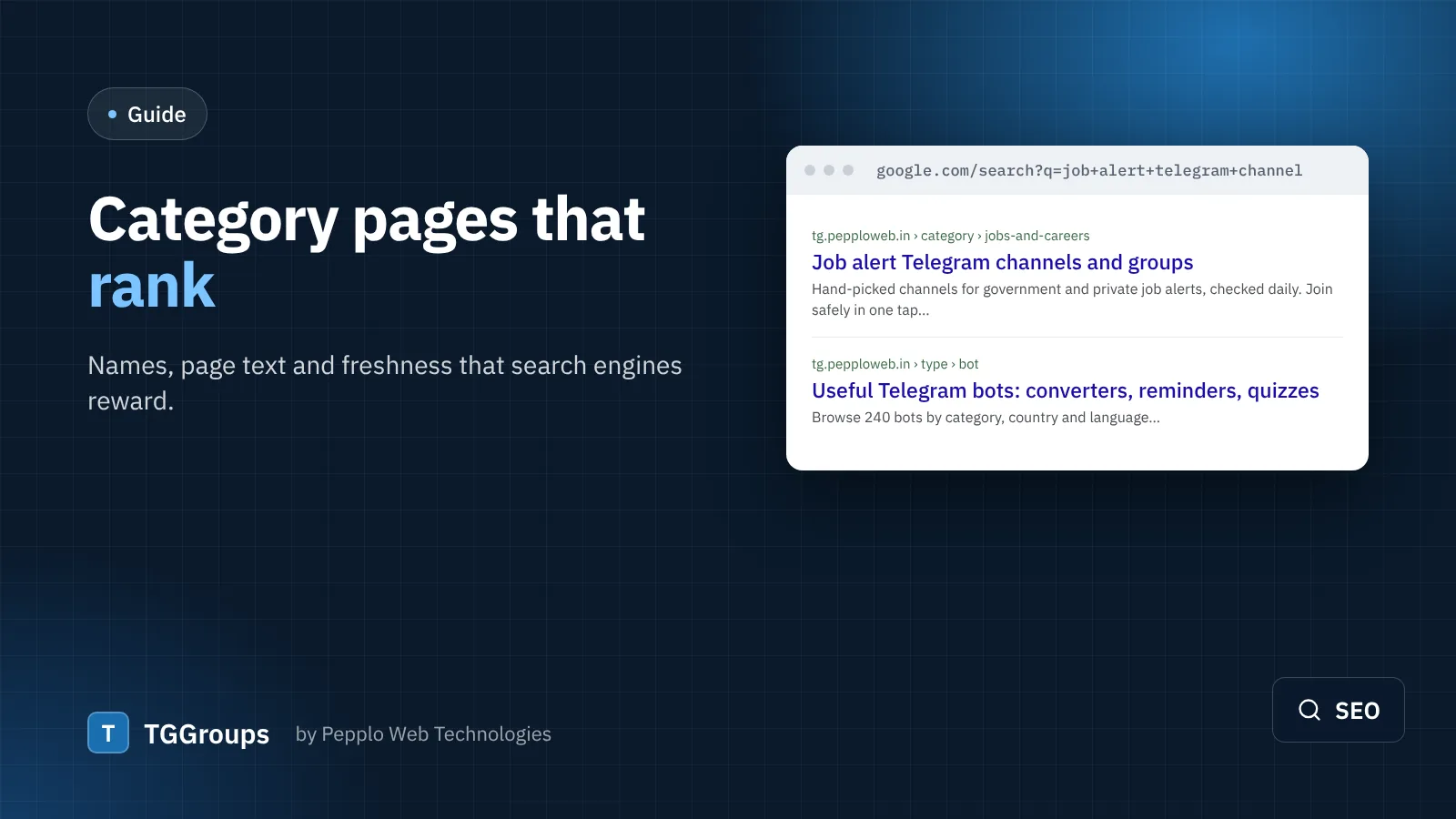
People rarely search for a single Telegram group by name. They search for a kind of group: "job alert telegram channel", "python telegram group", "sticker packs for whatsapp and telegram". In TGGroups each of those searches is best answered by a category page.
1. Name categories the way people search
Use the words people type, not internal labels. "Job alerts" beats "Careers"; "Python programming" beats "Dev 2". Keep names short — they appear in the page title, the breadcrumb and the sitemap. Sub-categories (two levels are supported) let you target narrower searches such as "Government job alerts" under "Job alerts".
2. Write a short, useful page text
Every category in TGGroups has a page text field shown above the list. Write 80–200 words that help a visitor choose: what kind of links are listed, how you check them, and what to watch out for. Mention the main search phrase once, naturally. Avoid stuffing keywords — it reads badly and does not help.
3. Fill in the SEO fields
Each category also has its own meta title and description. A good pattern for the title is "Topic Telegram groups and channels — your site". The description should promise something concrete: "Hand-picked job alert channels, checked daily for dead links."
4. Keep pages fresh
- New approved links appear on the category page automatically.
- The Link Health Checker hides dead usernames and revoked invites, so visitors do not land on broken links — a big signal of quality.
- Feature two or three outstanding links in each important category so the top of the page stays strong.
5. Link categories together
Mention related categories in the page text with normal links. Visitors move between topics and search engines discover every page. The automatic sitemap.xml already lists every category, link and blog post.
6. Measure
Add your site to Google Search Console (paste the verification code under SEO settings) and watch which categories gain impressions. Improve the text of the ones that are close to page one first.
0 comments