A link directory sits between people who share links and people who join them. That makes you responsible for more than uptime: your visitors trust you not to send them into scams, and your admin panel holds your members' data. These are the habits of directories that last.
Protect your visitors
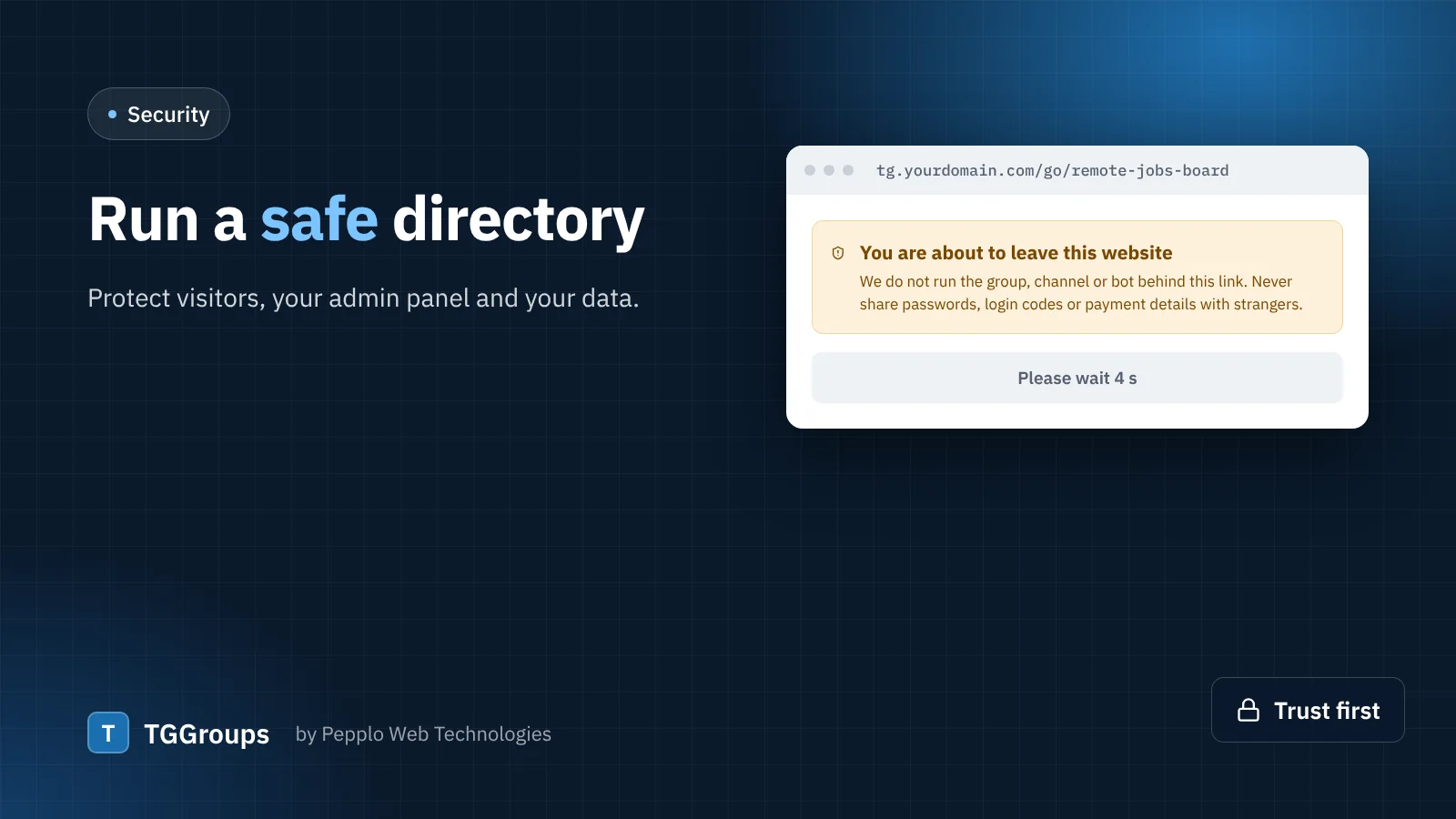
- Keep the leaving page on. A short countdown with a safety notice — never share login codes, never pay strangers, Telegram never asks for your code in a chat — prevents real harm. You can edit the notice under Directory settings.
- Moderate before publishing, at least for guests. Fake "investment" channels and impersonated bots look obvious to a moderator and convincing to a newcomer.
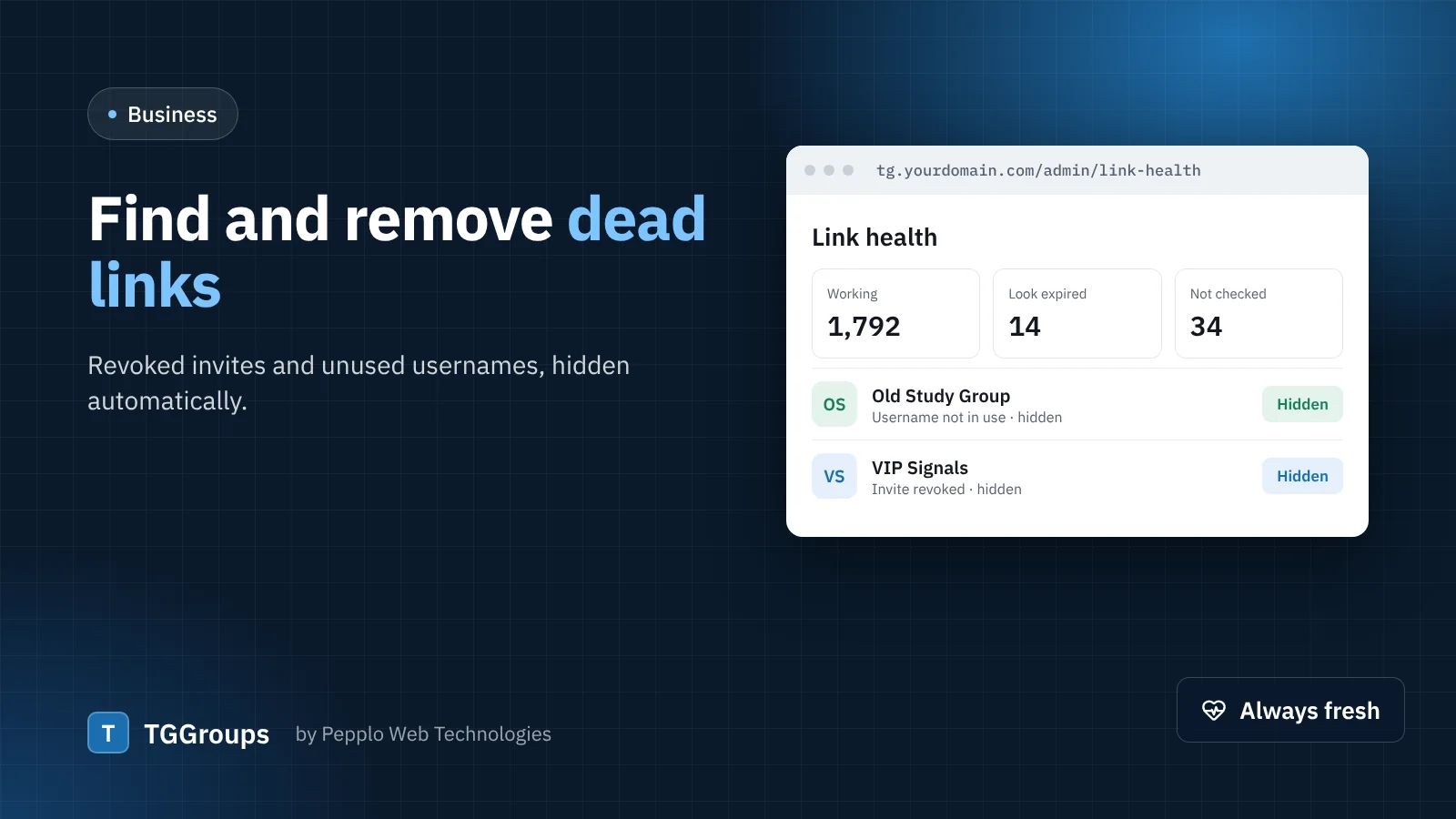
- Use reports. Let guests report links and hide a link automatically after a few open reports.
- Separate adult content. Mark categories and links as 18+ and keep them off the public site unless your directory is meant for adults and your local law allows it.
- Act on removal requests quickly. "I own this and want it removed" is one of the report reasons for a reason.
Respect the platforms
TGGroups is an independent product and is not affiliated with Telegram. It lists links that people choose to share publicly and reads only the public t.me page of each link; the optional bot uses Telegram's official Bot API with a bot you create yourself. Do not present your directory as an official Telegram service, avoid Telegram's logo in your branding, and show the disclaimer in your footer — TGGroups includes one you can edit.
Protect your admin panel
- Strong, unique passwords for every admin and staff account, and staff permissions limited to what each person needs.
- Captcha on login, registration, password reset, submit and contact forms.
- Login lock-out after repeated failed attempts is built in.
- Keep TGGroups updated. Updates fix issues as soon as they are found; download them from your client area.
- HTTPS everywhere, with a free certificate from your host.
Protect your data
- Back up your database and the
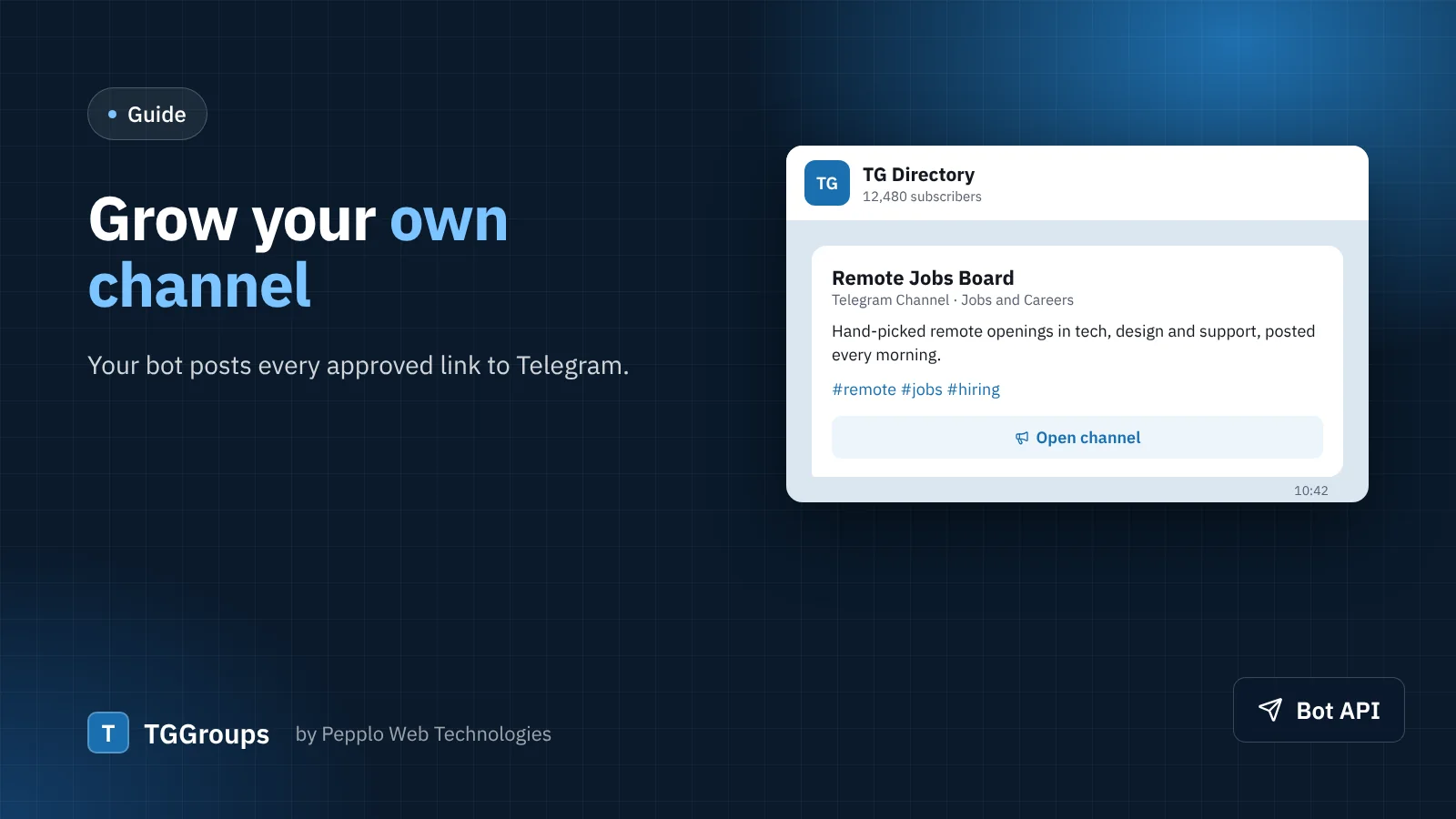
public/uploadsfolder regularly — most cPanel hosts offer automatic backups. - Keep your bot token private. It is stored in the settings and never shown in a page; if it ever leaks, revoke it with @BotFather and paste the new one.
- Never share your
.envfile. It holds your database password and application key. The bundled.htaccessblocks it from the web; keep that file in place. - Collect only what you need. Submitter emails are optional, and guest emails and IP addresses are never shown to the public.
Publish your policies
Use the Pages extension for clear rules: what may be listed, how to report or remove a link, and a privacy policy that explains what you store. Link them in your footer. Clear rules make moderation decisions easy to explain — and easy to defend.
0 comments