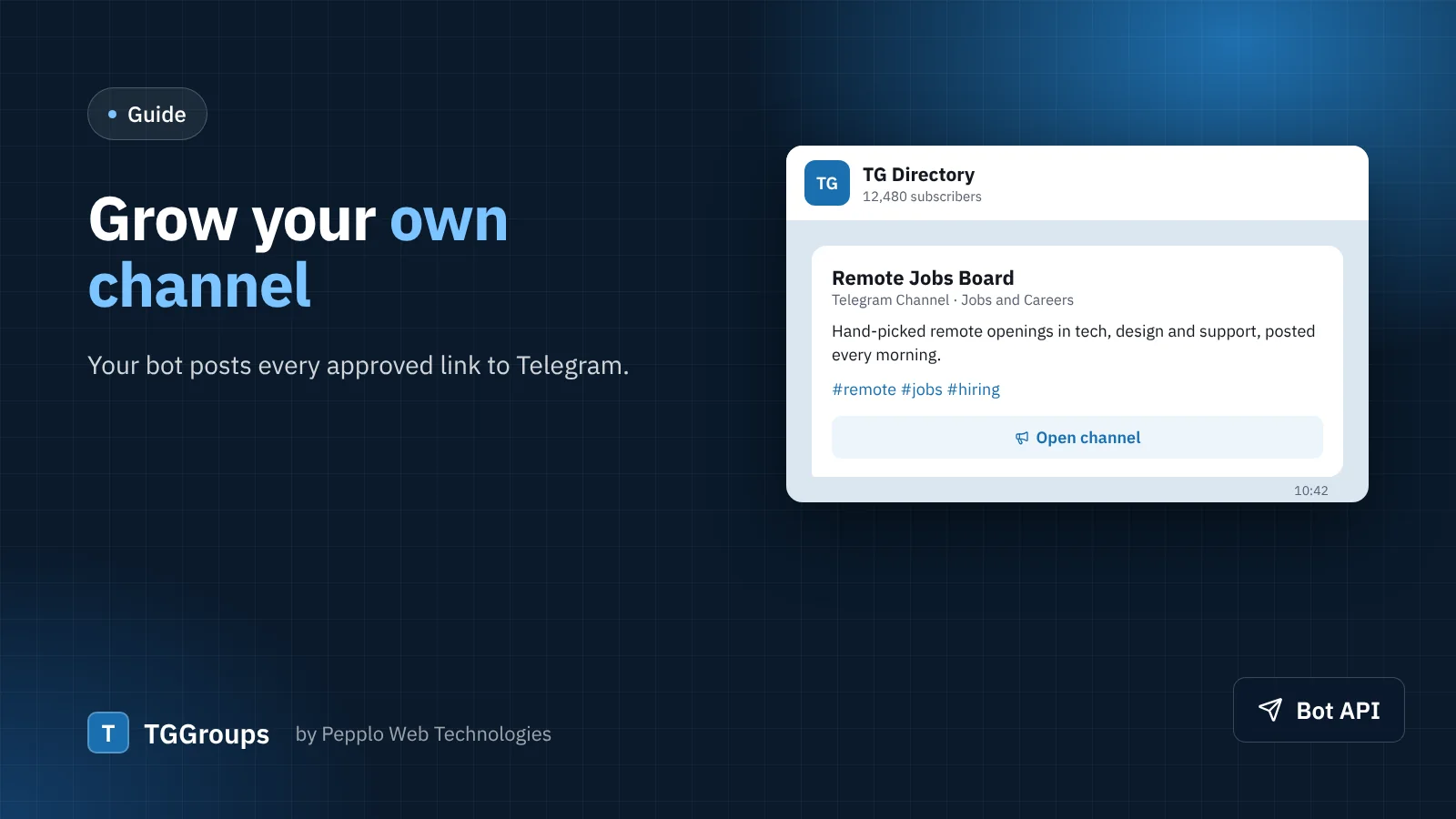
Your directory already decides which links are worth listing. Why not share them where your audience already is? With the Telegram Bot Tools extension, every link you approve is posted to your own Telegram channel — and every post sends readers back to your website.
What you get
- Automatic posts. The link's name, type, category, description and tags, with its picture when it has one.
- A button back to you. Each post has a button such as Open channel or Start bot that opens the link's page on your directory, so the open is counted and your ads are seen.
- Moderator alerts. Optionally, a message to you or your moderators' group whenever a new link waits for review.
- Safe by default. Links marked 18+ are not posted, and a problem with Telegram never stops a link from being saved or approved.
1. Create your bot
In Telegram, open @BotFather, send /newbot, choose a name and a username ending in "bot". BotFather replies with a token that looks like 123456789:AA…. Keep it private: anyone with the token controls the bot.
2. Add the bot to your channel
Open your channel › Administrators › Add administrator, search for your bot and give it the right to post messages. Nothing else is needed.
3. Connect it to TGGroups
In your admin panel open Extension manager › Telegram Bot Tools. Paste the token, enter your channel's @username (or its numeric ID for a private channel), and optionally a line that is added under every post, such as "More links on example.com". Save.
4. Test it
Open Directory › Telegram bot and press Send to the channel. A short test message appears in your channel. If Telegram refuses, the page tells you why — "chat not found" almost always means the bot is not an administrator yet.
5. Approve a link
That is it. The next link you approve — or that is published straight away by auto-approval — appears in your channel within a second.
Tips
- Pin a post in your channel that explains how to submit a link to your directory.
- Use the moderator chat alert to approve links from your phone the moment they arrive.
- A growing channel is something sponsors pay for — see five ways to earn from a directory.
0 comments