TGGroups 1.2 is out. It moves the script to BaseKit 1.5, the foundation all Pepplo Web Technologies products share, and brings a set of security and quality improvements to every directory. Updating is free for every active license: download the new zip from Downloads in your client area.
Encrypted sign-in
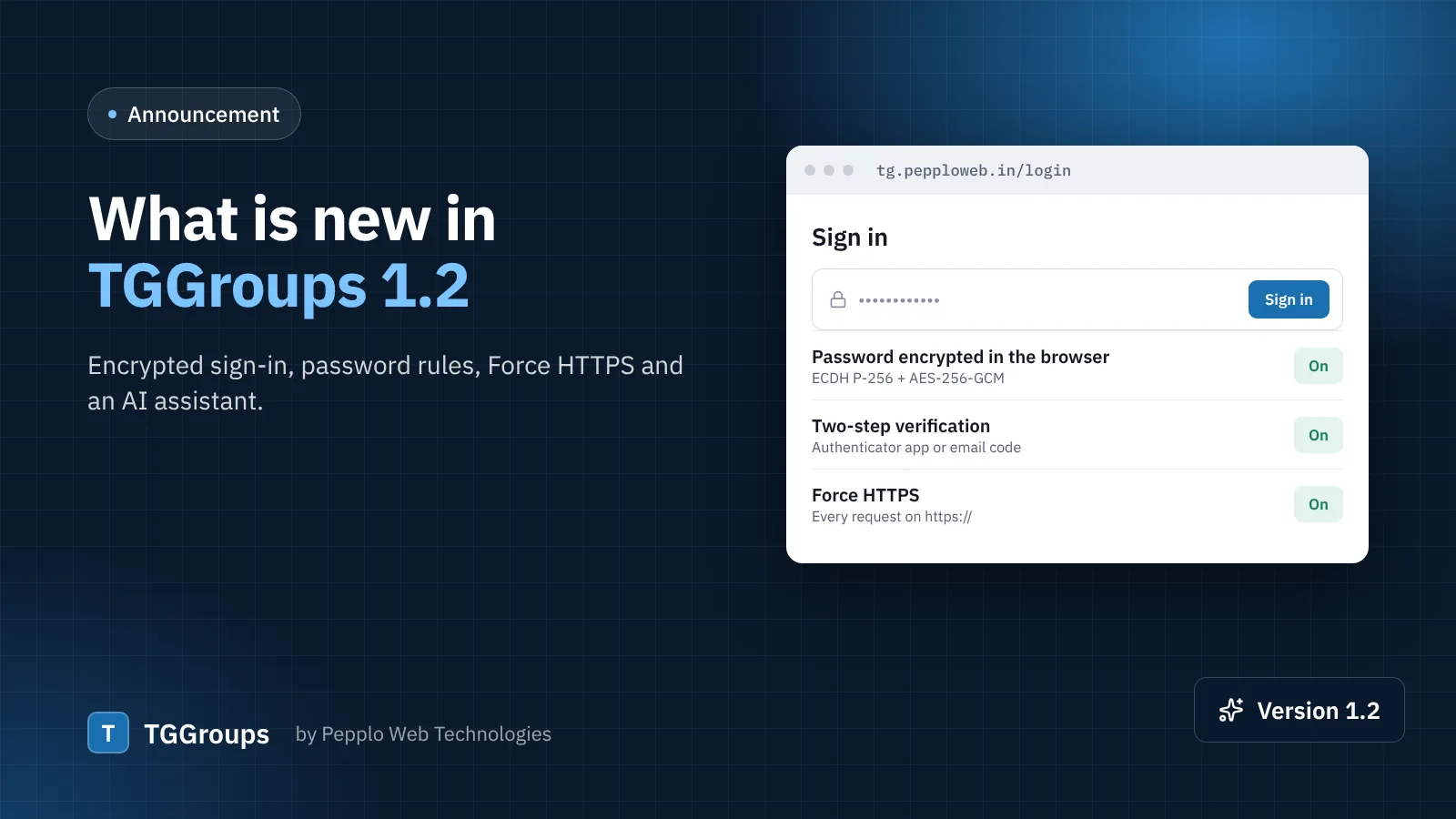
When someone signs in, the browser now asks the server for a fresh one-time key and encrypts the password before it is sent (ECDH P-256 with AES-256-GCM). The plain password never travels in the request, even inside your HTTPS connection. Very old browsers fall back to the normal form automatically, so nobody is locked out. You can switch it off under Settings › Security and access › Hardening, but there is rarely a reason to.
A real password policy
Besides the minimum length, you can now require upper and lower case letters, a number and a symbol. The rule applies everywhere a password is chosen: registration, password reset, the member's own password page and accounts you create as an admin.
Force HTTPS and one canonical address
Two new switches under Hardening send every visitor to https:// and to either the www or the bare domain. Search engines then see one address per page, which avoids duplicate content. Turn Force HTTPS on only after your SSL certificate is installed — most hosts can issue a free one.
A firewall that also reads forms
The request firewall already blocked SQL-injection and script payloads in addresses. It now also refuses submitted forms that carry code such as <script> or <?php in ordinary fields. Link titles, descriptions and tags are plain text in TGGroups, so honest submitters never notice; spammers who paste scripts are stopped before the request reaches the application. Fields that are meant to hold code — ad codes and your analytics snippet — are allowed.
Announcements on the homepage
The Announcements extension can now show a message on the public homepage as a top banner or a popup, with a start and end date. Use it for a new category, a featured-listing offer or planned maintenance.
AI Assistant extension
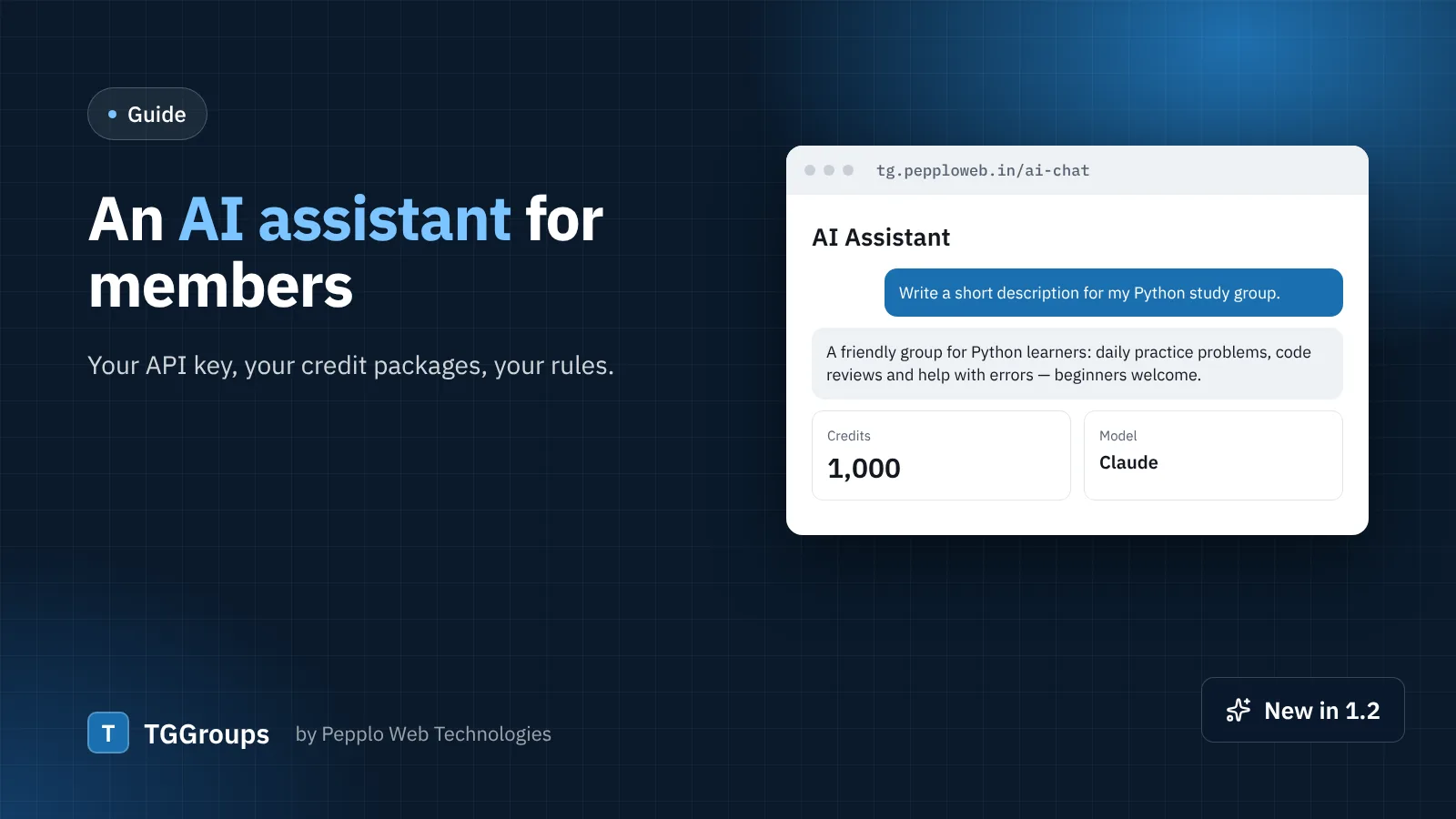
A new bundled extension adds an AI chat for your members, powered by Claude, OpenAI or Gemini with your own API key. Members spend credits metered by usage; you sell credit packages and can top up any member. It is optional — install it only if it fits your community.
Smaller things
- Long drop-down lists (countries, languages, categories) can now be searched by typing.
- All 22 bundled extensions install from the installer; each can be switched off later.
- The Android app 1.1 follows redirects to
https://andwwwby itself.
How to update
- Take a backup under Settings › Database backups and keep a copy of your files.
- Upload the new files over the old ones (keep your
.envfile and thestorageandpublic/uploadsfolders). - Run
php artisan migrate --forcefrom cPanel › Terminal, thenphp artisan license:reseal, or press Verify now under Admin › License.
Questions? Open a ticket from your client area — we are happy to help.
0 comments