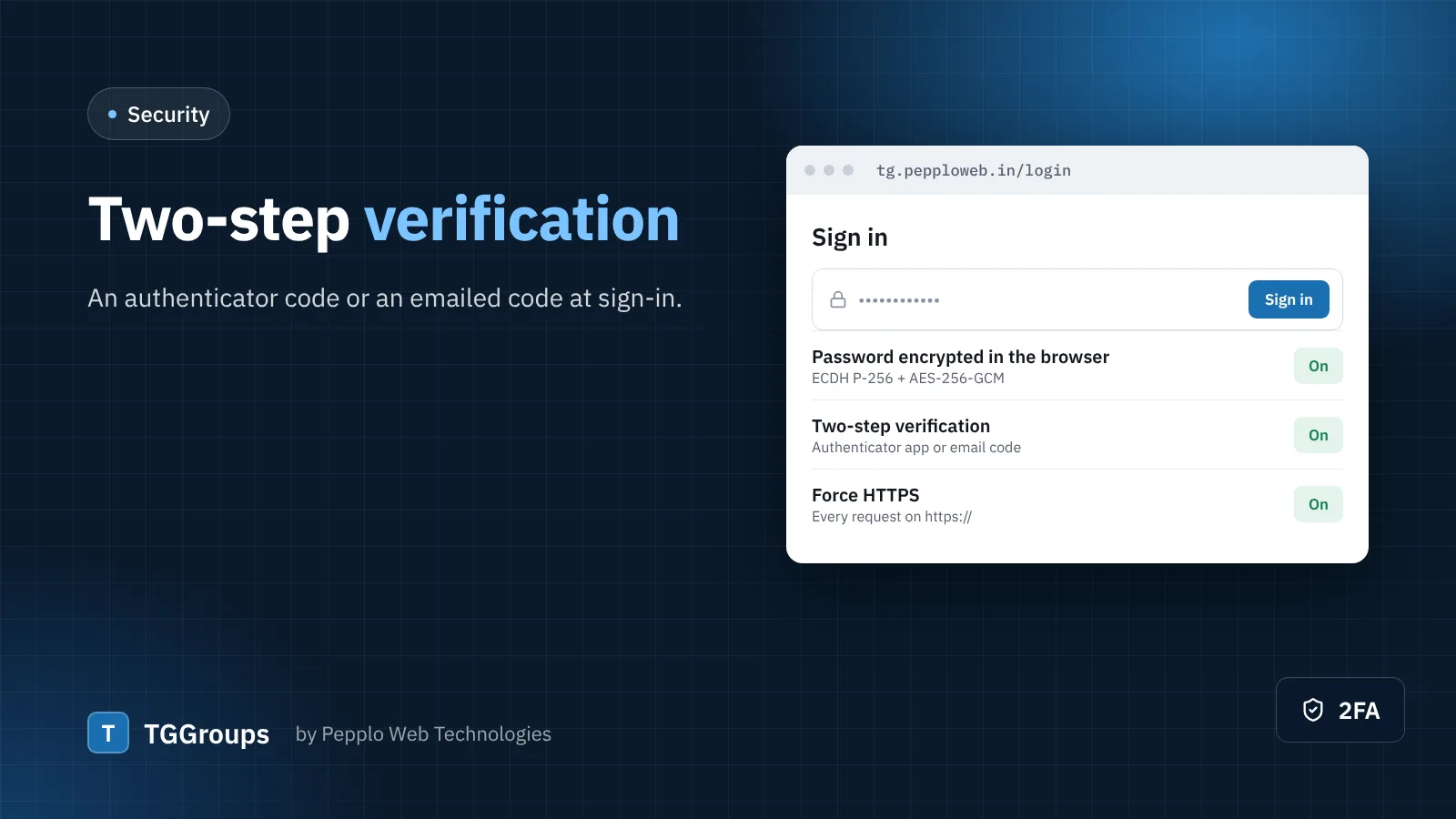
Passwords leak — through reuse on another site, a phishing message or malware on a shared computer. Two-step verification (2FA) means a stolen password is not enough to sign in to your directory.
Two methods
- Authenticator app — Google Authenticator, Microsoft Authenticator, Authy or any TOTP app. TGGroups shows a QR code generated on your own server.
- Email code — a six-digit code is emailed at each sign-in. Simpler, but only as safe as the mailbox.
Each person also receives one-time recovery codes. Store them somewhere safe — they are the way back in if a phone is lost.
Set it up
- Open Settings › Security and access › Two-step verification and switch it on.
- Choose the allowed methods and the policy: optional for everyone, required for admins and staff, or required for all users.
- Each person sets it up from Two-step verification in their account menu.
Combine it with the other protections
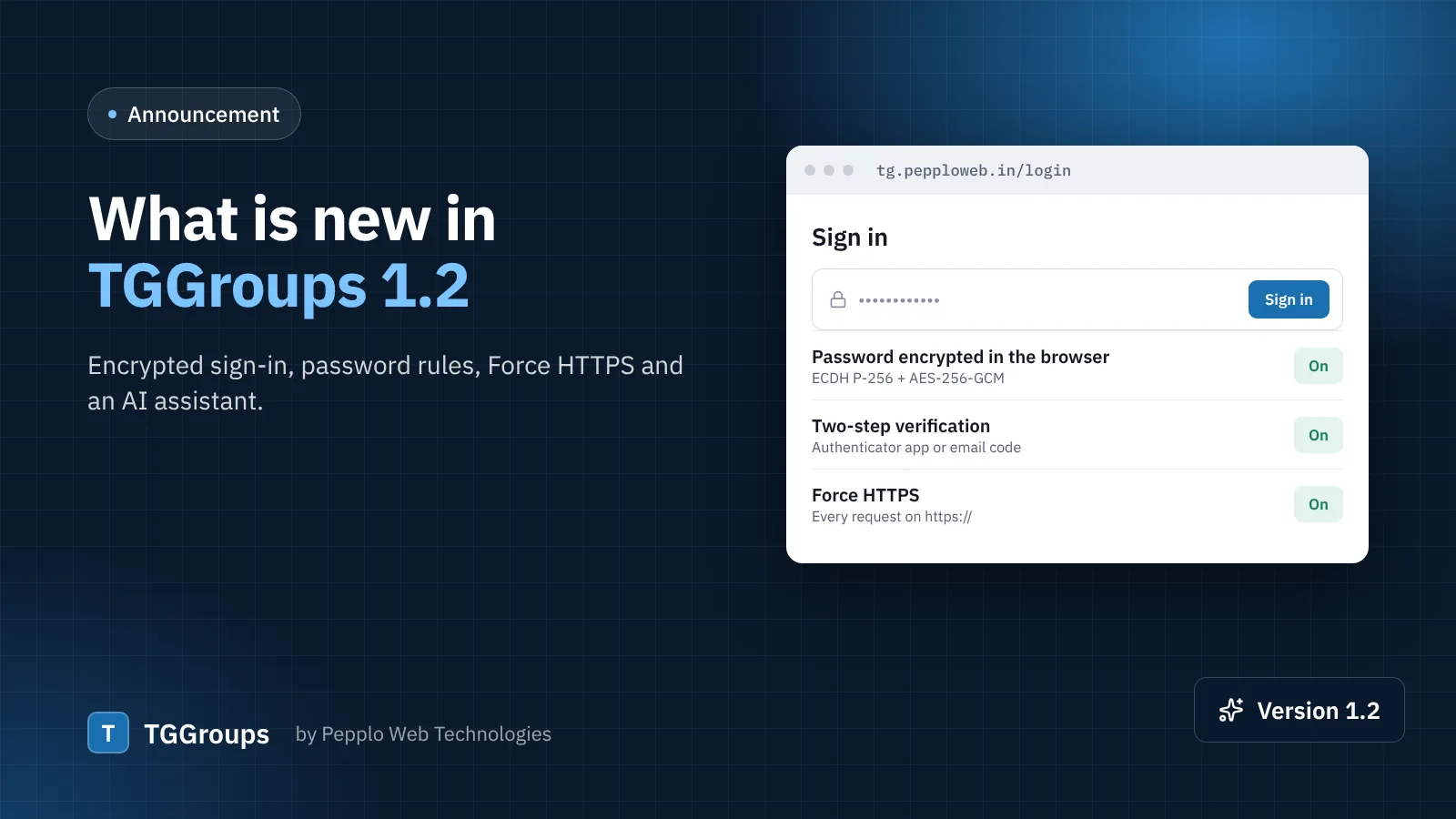
- Encrypted sign-in (on by default in TGGroups 1.2) keeps the password out of the request.
- A password policy with mixed case, numbers and symbols.
- Login lock-out after failed attempts and the IP Abuse Monitor for repeated sign-ups from one address.
- The Security extension can keep each user to one active session and sign out idle users.
0 comments