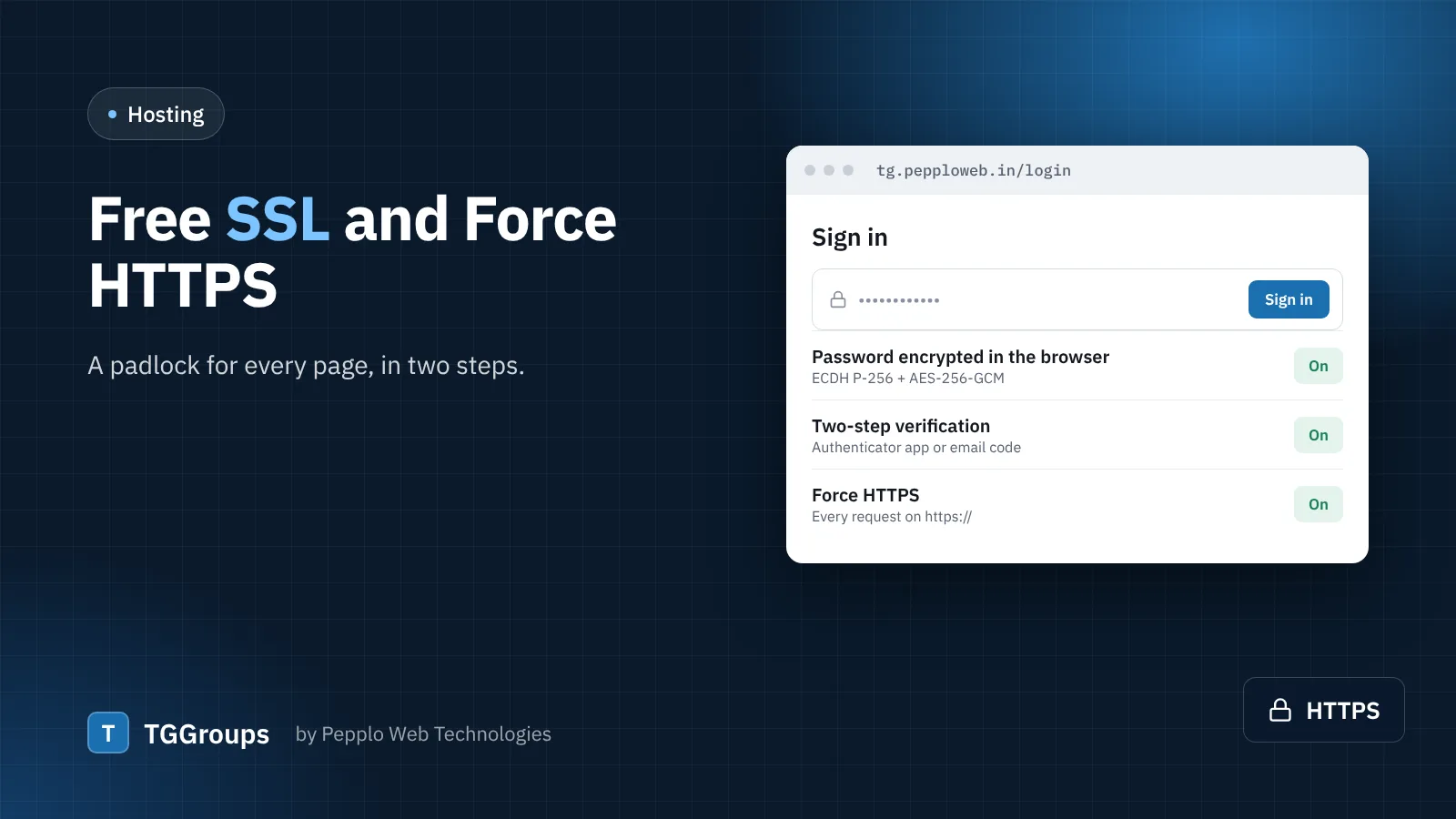
HTTPS encrypts everything between your visitors and your directory and removes the "Not secure" warning from browsers. It is also a small ranking signal for search engines. With TGGroups 1.2 it is two steps.
Step 1 — install the certificate
Most hosts offer free SSL certificates, often through AutoSSL or Let's Encrypt in cPanel — ask your host, for example DOMAINSROCK, if you do not see it. Make sure the certificate covers both yourdomain and www.yourdomain, then open https:// in your browser to check the padlock.
Step 2 — switch on Force HTTPS
- Open Settings › Security and access › Hardening.
- Turn on Force HTTPS (SSL). Every
http://request is redirected tohttps://. - Choose a Canonical domain: always add
www.or always remove it. - Update
APP_URLin your.envfile to the final https address.
Behind a CDN or proxy, make sure it forwards the X-Forwarded-Proto header, otherwise the site cannot tell that a request already arrived over HTTPS.
Also update
- The Android app's
TGGROUPS_BASE_URL— app 1.1 follows the redirect anyway, but the direct address is faster. - Your property in Google Search Console.
0 comments