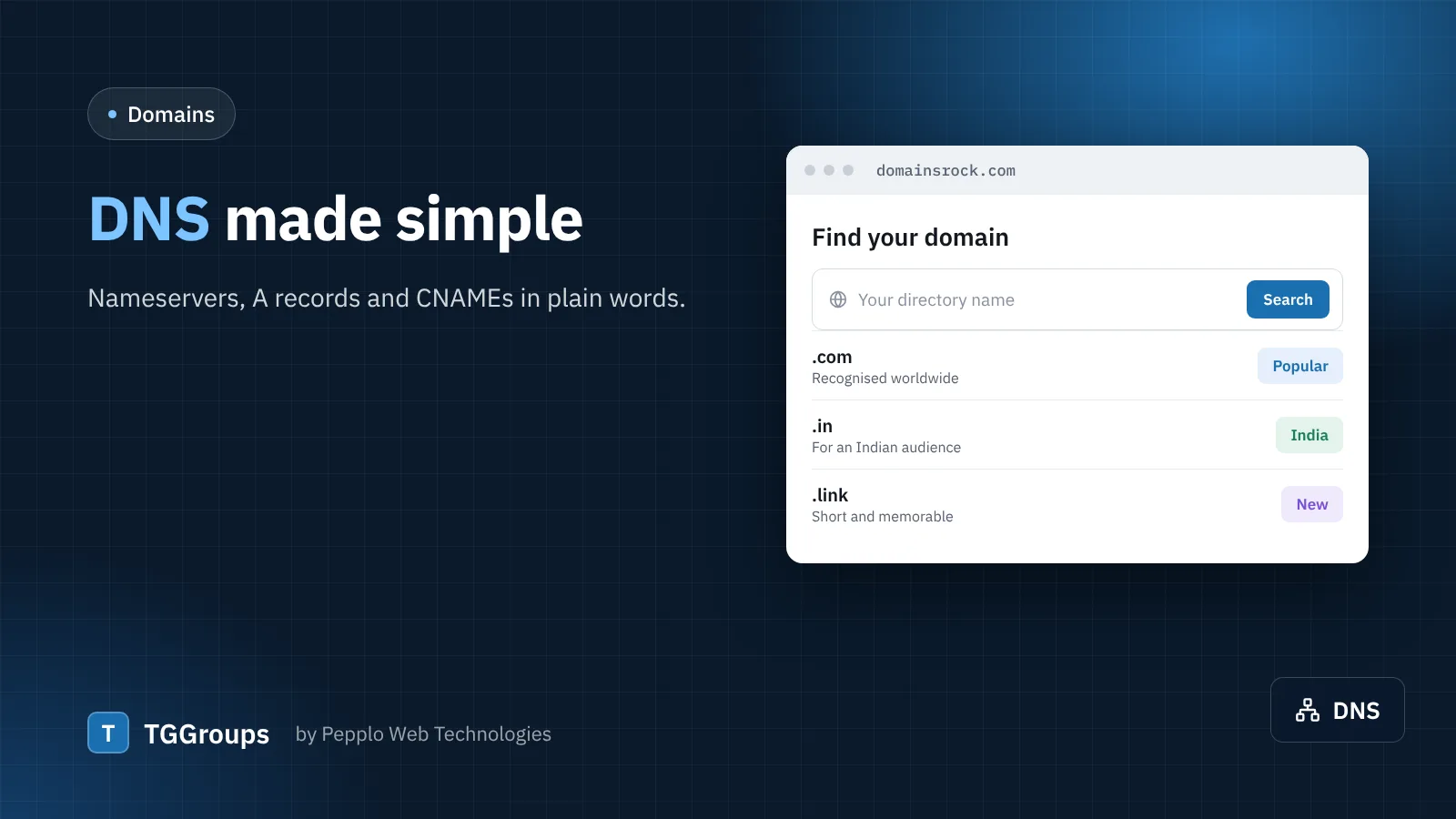
When someone types your domain, DNS tells their browser which server to ask. If your domain and hosting are from different places, you connect them once.
Option 1 — change the nameservers
The simplest way. Your host gives you two or more nameservers (for example ns1.yourhost and ns2.yourhost). Enter them at the company where the domain is registered. From then on the host manages all DNS records, including email.
Option 2 — add records
- A record — points the domain (or a sub-domain such as
tg) to your server's IP address. - CNAME — points a name to another name, for example
wwwto the bare domain. - MX — tells the world where to deliver email for your domain.
- TXT — used for SPF, DKIM and site verification such as Google Search Console.
How long does it take?
Changes usually work within minutes to a few hours; nameserver changes can take up to a day to reach everyone.
Keep it in one place
Registering the domain and buying hosting from the same provider, such as DOMAINSROCK, means the DNS is usually set up for you.
0 comments