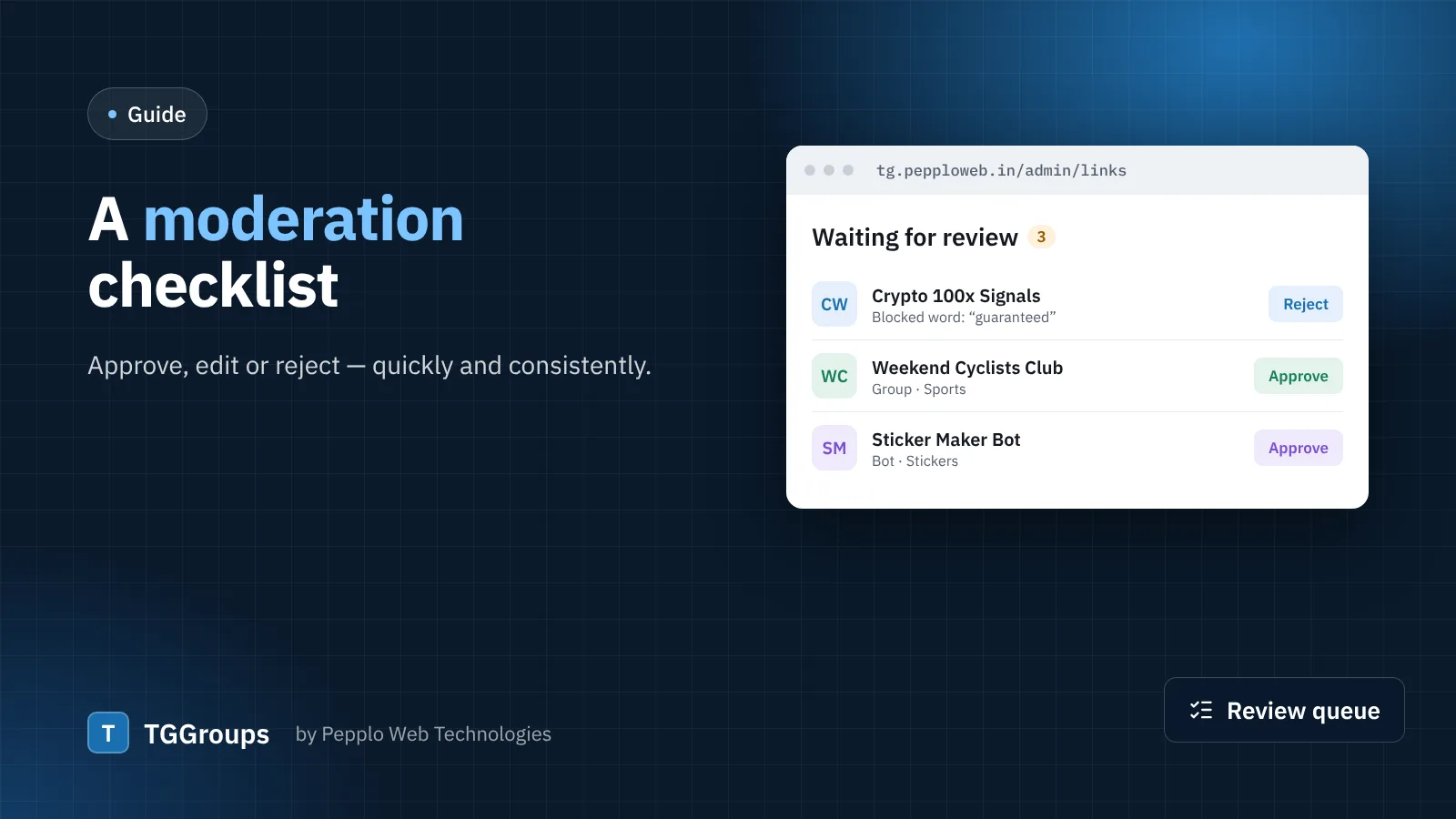
The review queue under Directory › Links shows every link waiting for approval with its picture, type, count and the submitter's details. Use the same questions for every link and your directory stays clean without slowing down.
Approve when
- The link works and the type is right (TGGroups reads the type from Telegram's page, so a channel cannot pass as a group).
- The title and description describe the link honestly. Small fixes are fine — edit them before approving.
- It is in the right category and, where it matters, has the right country and language.
- It is not a duplicate. TGGroups already refuses the same chat twice, whatever spelling was pasted.
Edit before approving when
- The title is in capitals, full of emoji or keywords — rewrite it in plain words.
- The description promises things like "100% guaranteed profit" — remove the claim or reject.
- Tags are irrelevant or excessive — keep three to six meaningful tags.
Reject when
- The link is expired or the name is not in use (the form warns about this).
- It promotes scams, piracy, illegal goods, hate, or adult content you do not allow.
- It is a phishing or "verification" bot asking for login codes.
- The submitter has sent the same link under different names.
Always pick a reason when you reject — it is emailed to the submitter and shown in their panel, which cuts repeat submissions.
Let the rules do the work
- Blocked words reject the obvious spam before you see it.
- A daily limit per person stops floods.
- The captcha on the submit form stops bots.
- Visitor reports can hide a link by themselves after a number of reports.
- Trusted members can be auto-approved once you are comfortable with them.
Give moderators the right access
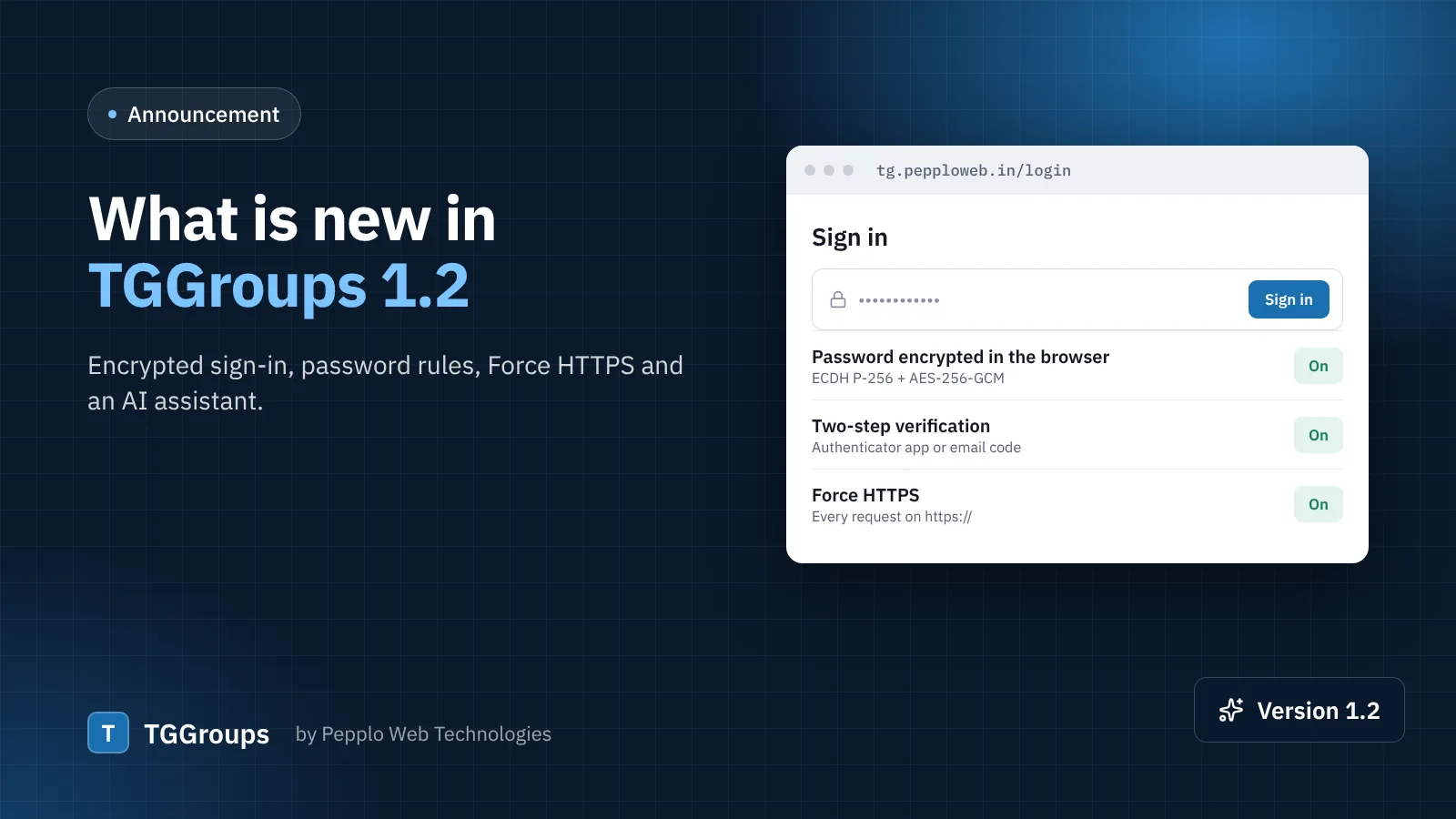
Create staff accounts and grant only links.manage (and links.categories if they also manage categories). Turn on two-step verification for staff under Security and access — it takes a minute and protects your whole directory.
0 comments