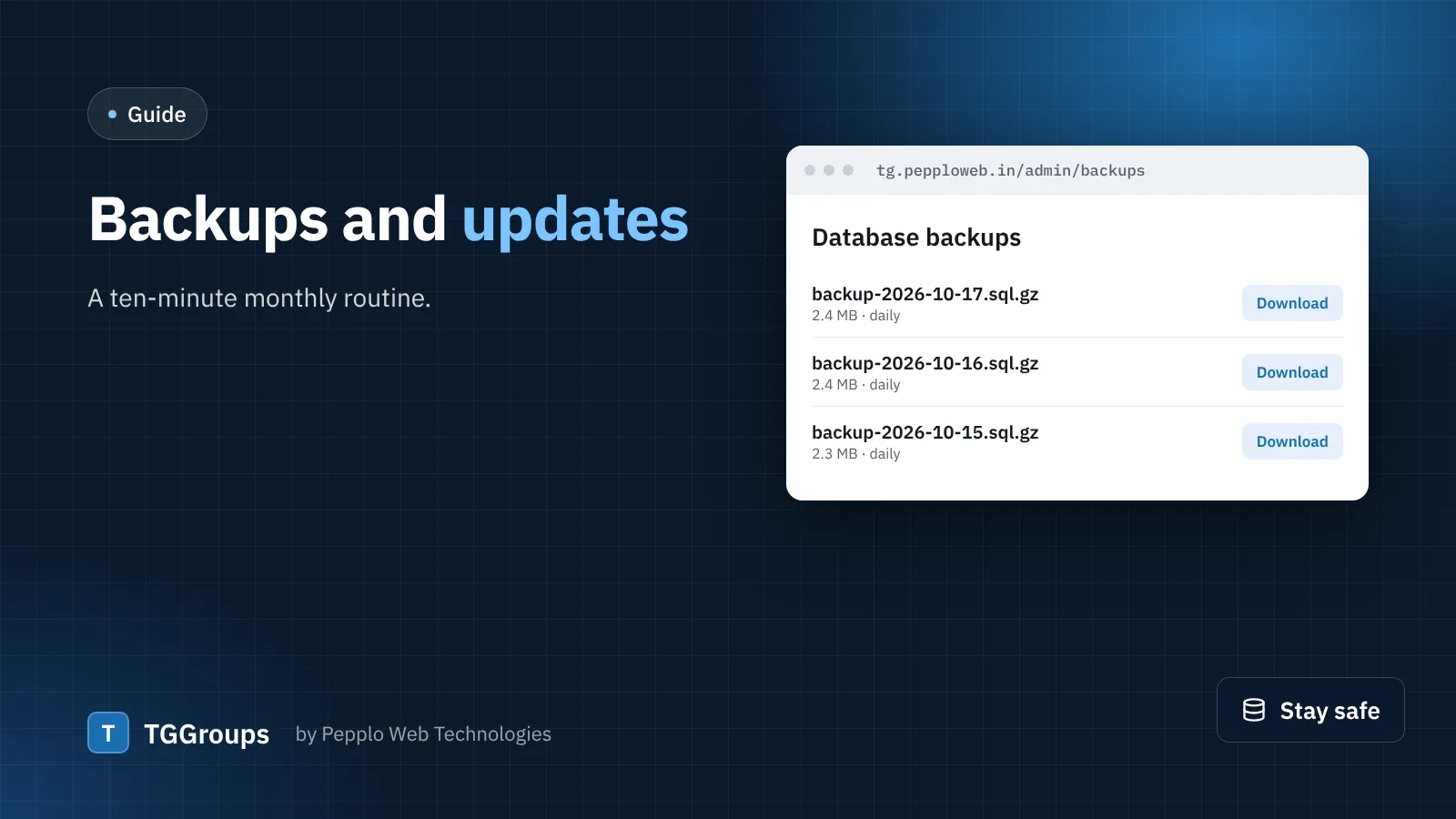
Your links, members and statistics live in your database. A good routine protects them and makes updates boring — which is exactly how updates should be.
Automatic database backups
- Open Settings › Database backups, turn on automatic backups and choose how often (daily is right for most directories) and how many copies to keep.
- Add one cron job in cPanel:
* * * * * cd /path/to/site && php artisan schedule:run. - Download a backup now and then and keep it off the server — on your computer or cloud storage.
Backups are gzip-compressed SQL files that work for MySQL, MariaDB and SQLite, made without needing mysqldump on the server.
Your files
Link pictures, logos and blog covers are in public/uploads; your settings are in .env. Include both in your hosting's own backup, or zip them from File Manager once a month. Many hosts also offer account-level backups — ask yours.
Updating TGGroups
- Read the changelog on the Changelog page and in your client area.
- Take a database backup and a copy of your files.
- Upload the new version over the old files, keeping
.env,storageandpublic/uploads. - Run
php artisan migrate --forceif the changelog mentions database changes, thenphp artisan license:reseal(or press Verify now under Admin › License). - Open System info › Clear cache, then check the homepage, a link page and the admin dashboard.
0 comments