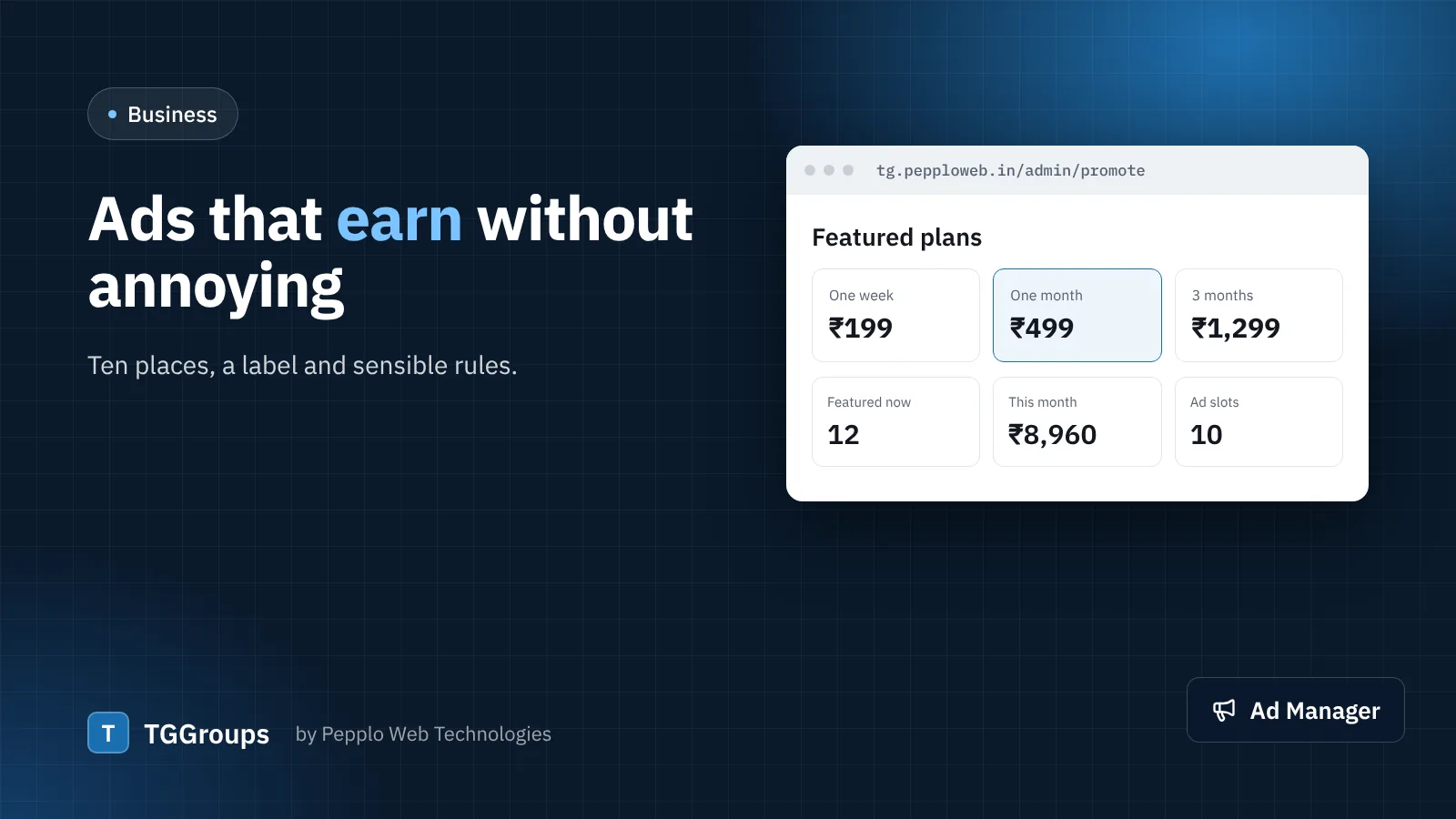
The Ad Manager extension in TGGroups shows banner images or ad-network code (Google AdSense or any HTML code) in the places you choose: under the header, inside and around link lists, at the top, side and bottom of link pages, on the leaving page and above the footer, plus homepage zones and a floating bar.
Before you apply to an ad network
- Publish real content: well-moderated links, category page texts and an about page. Networks reject thin sites.
- Publish a privacy policy and terms (the Pages extension includes them) and turn on the cookie banner under Privacy and GDPR.
- Mark adult categories 18+ and use "no ads on adult pages" — most networks do not allow ads next to adult content.
- Add your
ads.txtline under SEO settings › Indexing and sitemap.
Where ads work best
- Inside the link list — after the first few links, where visitors are already scrolling.
- Link page side — visible on desktop without pushing the join button down.
- Leaving page — the visitor waits a few seconds anyway; one ad here performs well.
Avoid stacking ads above the join button on mobile. If visitors cannot find the button, they leave and your directory loses its reason to exist.
Keep members happy
The "no adverts for signed-in members" option gives people a reason to register — and registered members submit links, write reviews and return more often.
Measure
The Ad Manager counts impressions and clicks for banner ads, and each ad can run between a start and end date, which is ideal for direct deals with sponsors.
0 comments