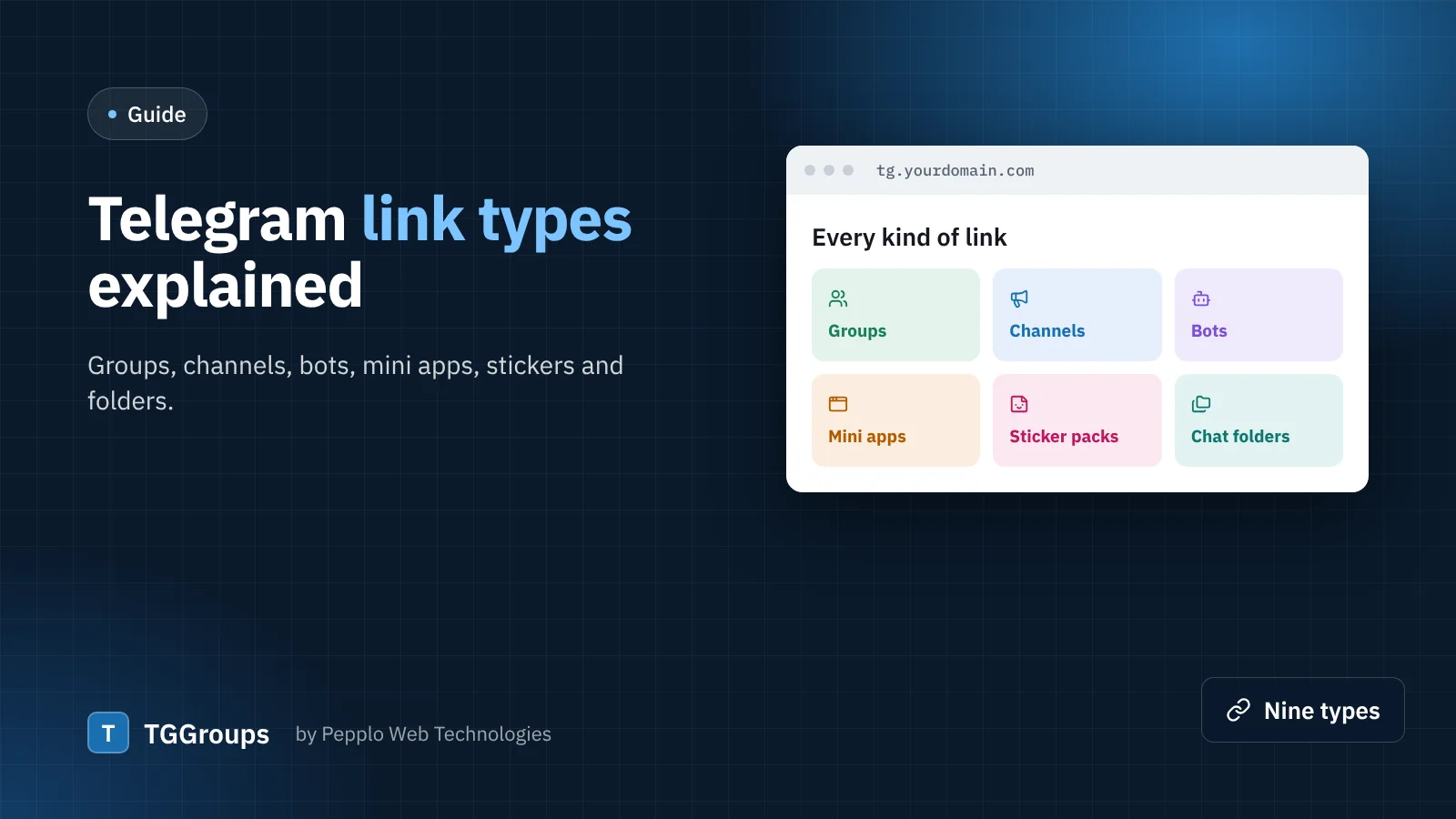
Almost every Telegram link starts with t.me/, but behind that address can be very different things. Treating them all as "groups" confuses everyone. TGGroups recognises nine types, gives each its own colour, icon and button, and lets visitors filter by them.
Groups and channels
A group is a chat where members talk to each other; a channel is a one-way broadcast that people subscribe to. Both can be public, with an address such as t.me/name (people also write it as @name, name.t.me or telegram.me/name), or private, with an invite such as t.me/+AbCd… or the older t.me/joinchat/…. Owners can revoke a private invite at any time, and a public name can be given up — the main reason directories need a health check.
Because t.me/name looks the same for a group and a channel, TGGroups reads the link's public page: a channel shows "subscribers", a group shows "members". The right type is chosen by itself, together with the count.
Bots
Bots are accounts run by programs: converters, downloaders, quiz bots, shop bots. Their usernames end in "bot", as in t.me/QuizBot, and links often carry a start parameter (?start=…), which TGGroups removes so the same bot is never listed twice.
Mini apps
Web apps that open inside Telegram — games, shops, wallets. Their links look like t.me/somebot/app or t.me/somebot?startapp=….
Sticker packs, emoji packs and themes
t.me/addstickers/…, t.me/addemoji/… and t.me/addtheme/… add a sticker pack, a custom emoji pack or a colour theme to the app. A great category for creative directories. Their names cannot be read from the link, so the submitter types it.
Chat folders
A t.me/addlist/… link adds a whole folder of groups and channels in one tap — perfect for "starter kits" such as crypto news or exam preparation.
Profiles
A public username of a person or business — creators, shops, support desks — that people can message directly.
Beyond Telegram
The More Platforms extension adds WhatsApp groups and channels, Discord, Signal and Facebook groups, each with its own type and page. You decide under Directory settings › Submissions which types your directory accepts.
How TGGroups handles them
- A pasted link or @username is recognised and cleaned as soon as it is entered, and the matching type is chosen.
- Each type has its own browse page, colour and button text — Join group, Open channel, Start bot, Add stickers.
- One chat is stored once, whichever form it was pasted in.
- Phone-number links, proxy links and links to private posts are not accepted.
- Developers can add their own types with a few lines of PHP through the
link.typesfilter.
0 comments