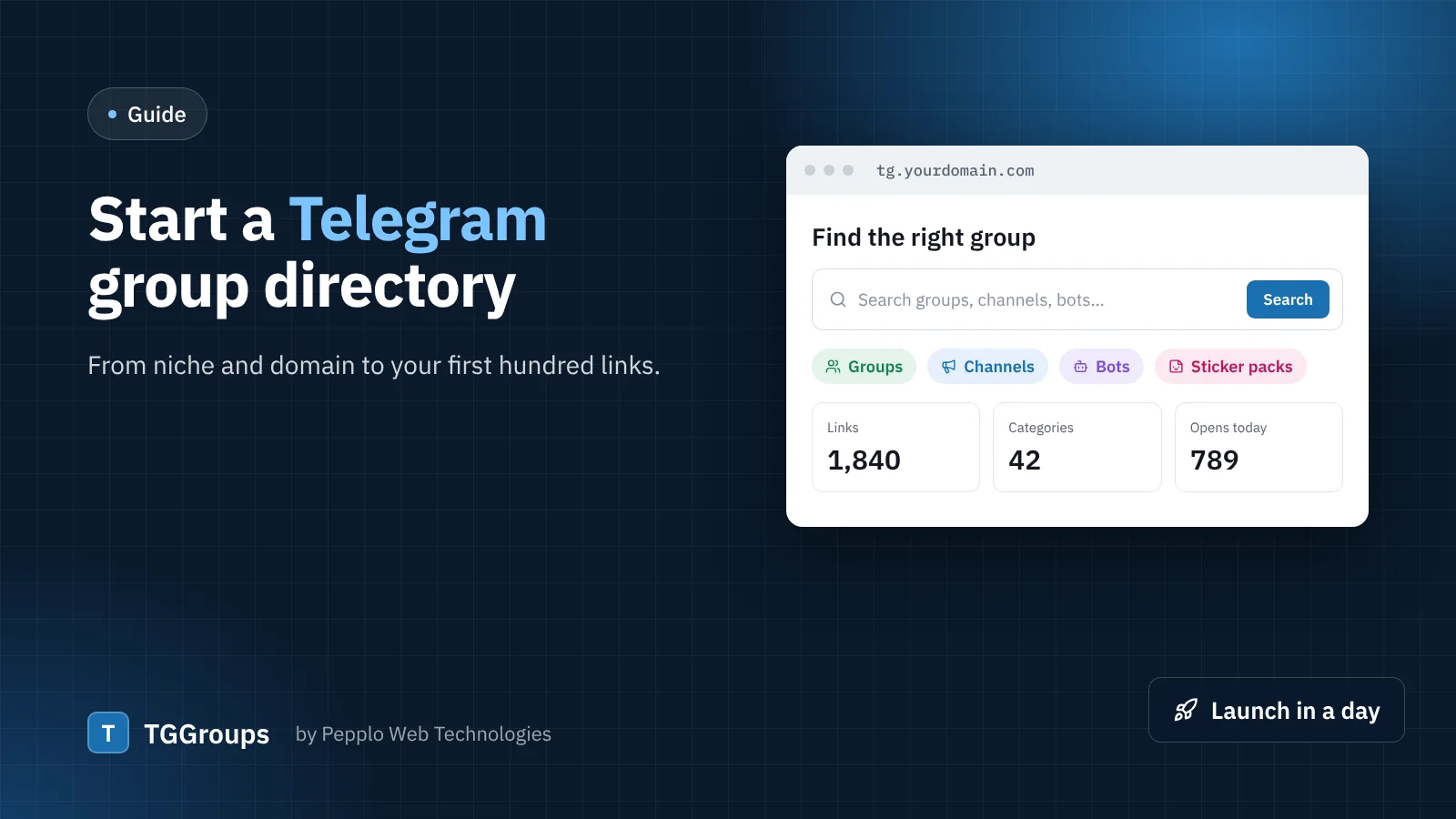
People look for Telegram groups, channels and bots every day — for exam preparation, jobs, crypto, movies, coding help, deals and hundreds of other topics. A good directory connects them with active, safe chats and useful bots, and the owners of those chats are happy to bring you their links. Here is how to start one properly.
1. Pick a focus
A directory "for everything" competes with everyone. A directory for job alert channels in India, study groups for one exam or productivity bots can rank and grow much faster. You can always widen the focus later — TGGroups lets you add categories, countries and languages at any time.
2. Domain and hosting
Choose a short, easy domain that says what the site is about. Avoid using the word "Telegram" as the main part of your brand: it is a trademark, and a neutral name is safer and easier to build on.
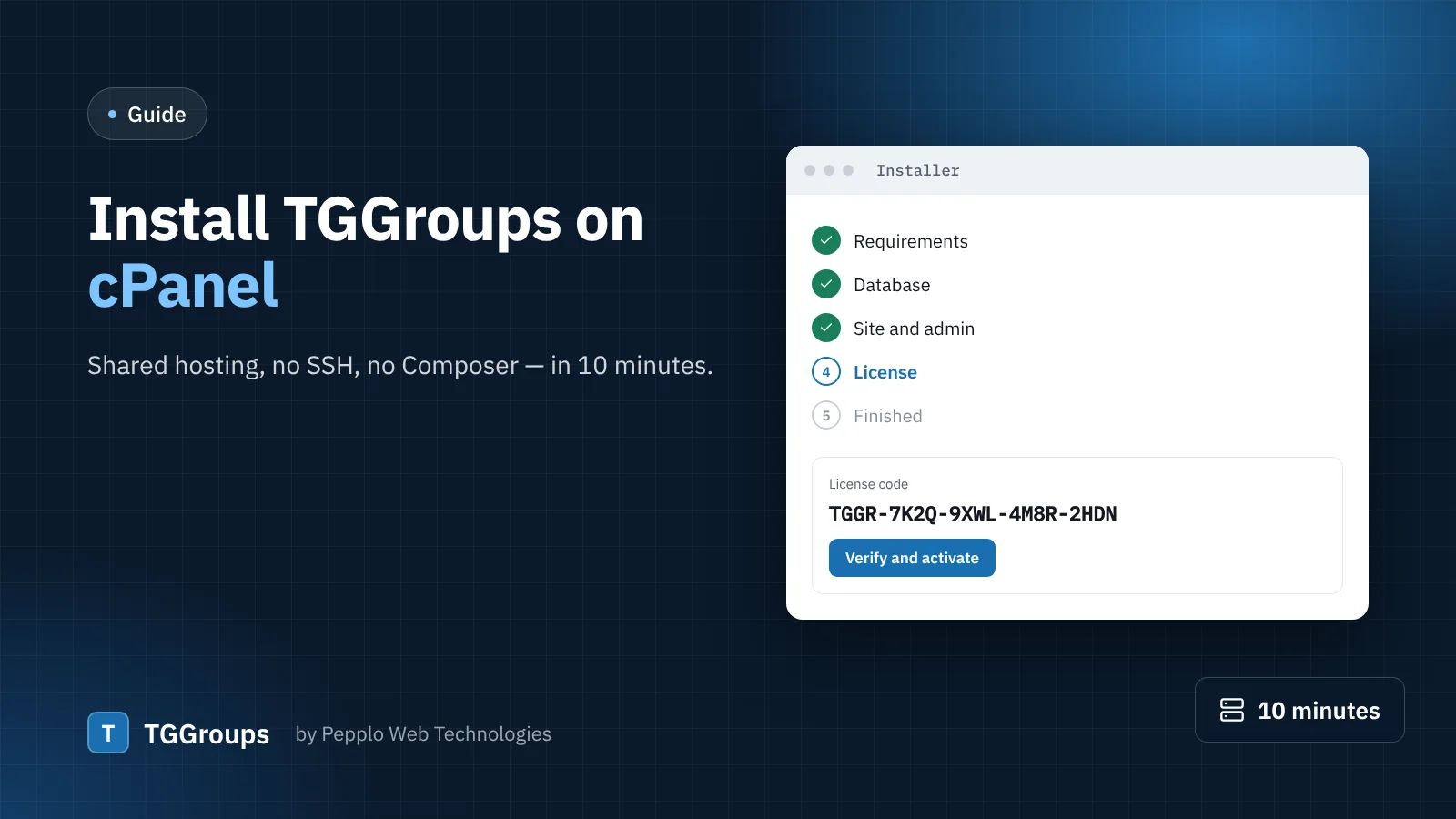
TGGroups runs on ordinary cPanel shared hosting. You need PHP 8.2 or newer, a MySQL or MariaDB database and outgoing HTTPS (so the server can read t.me pages), which almost every host provides. A free SSL certificate from your host is a must.
3. Install and set the rules
Upload the zip, open your domain and follow the installer. Then open Directory settings › Submissions and decide:
- whether guests may submit or only members;
- whether new links wait for a moderator (recommended at the start);
- how many links one person may add per day;
- which words are blocked and whether a category and description are required;
- which link types you accept — only groups and channels, or bots, mini apps and sticker packs too.
4. Build your categories
TGGroups ships with a starter set of two-level categories, including Tools and Utilities for bots and Stickers and Emoji. Rename, merge or delete them so they match your focus, and write a short page text for each one. Category pages are among the first pages Google shows, so a few helpful sentences there pay off.
5. Seed the first links
An empty directory gets no submissions. Install with the sample links to see how everything looks, then remove them with one click and add 30–50 real, active chats you have checked yourself. Pasting @username after @username is enough — the name, picture and type are read for you. The Import and Export extension can load a CSV if you already have a list.
6. Make it trustworthy
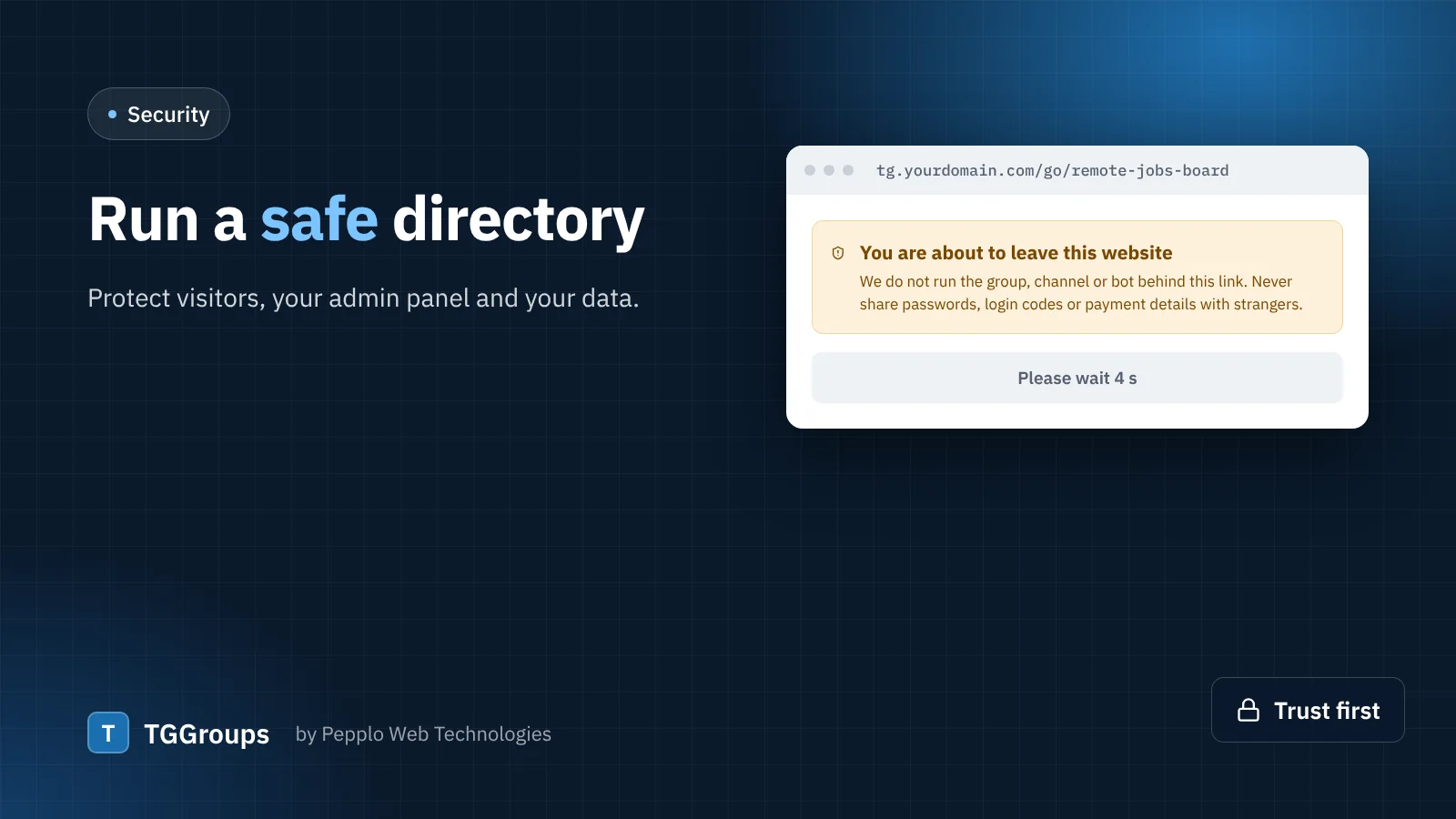
Keep the leaving page with its safety notice switched on, mark adult categories as 18+, and let visitors report bad links. A directory that feels safe gets shared — one that is full of scam channels gets abandoned.
7. Grow
- Share your submit page with group and channel admins: they want members, you want links.
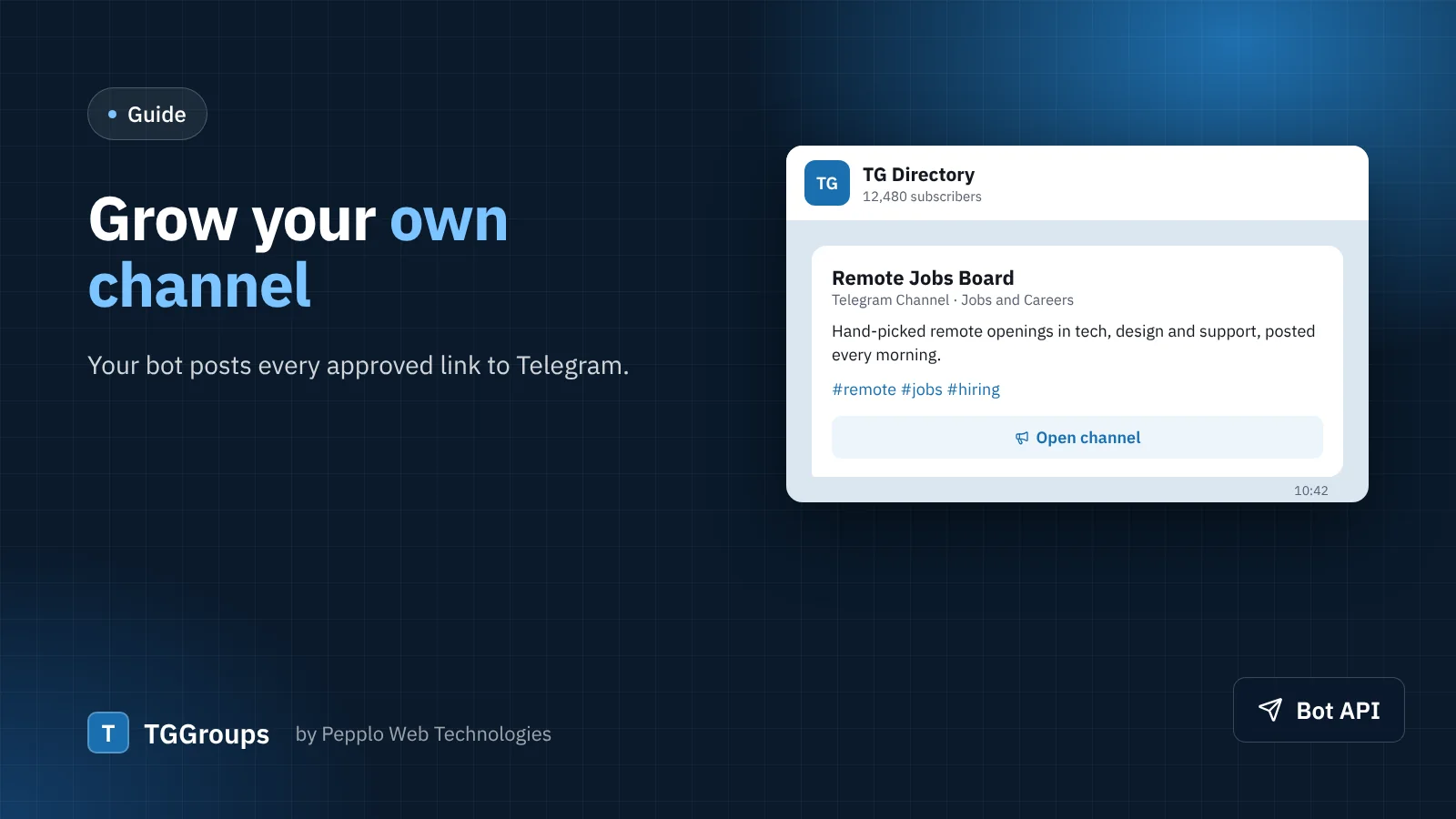
- Connect your own bot and let it post every approved link to your Telegram channel.
- Write short blog posts for your niche — "best channels for…" lists work well.
- Let partner sites embed a live list of your links with the embed widget, and publish your directory as an Android app.
Once traffic arrives, you can earn from featured listings and ads. We cover that in a separate article.
0 comments